In, out, break and business trip
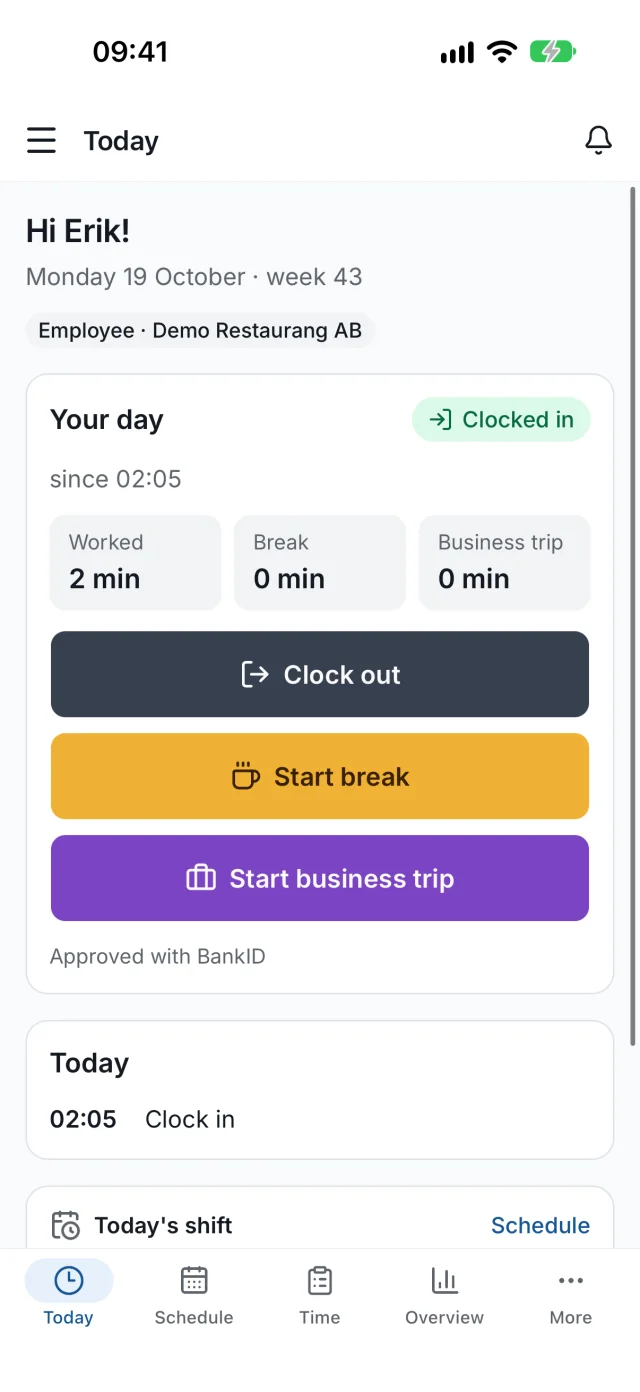
One tap for each event. The time is set by the server's clock at the moment of the stamp, never by the phone.
Staff clock in and out on their phone, on the web or at the kiosk by the entrance, and every stamp is approved with BankID. You get hours, attestation and the staff register in one place.

 Today
TodayWorked today · since 07:58
Approved with BankID
Stamps
Features
From the first clock-in to an attested month: LogFai has what a Swedish workplace needs.
One tap for each event. The time is set by the server's clock at the moment of the stamp, never by the phone.
Every stamp is approved with Mobile BankID, so nobody can clock in for someone else. Anyone without BankID gets a code by email.
Every change is saved with who, when, before, after and why. A small number next to a value shows it has changed.
Clock out
16:0016:45
“Forgot to clock out”
Anna L. · 14 Oct
A shared tablet where staff clock in with their personal identity number and approve with a BankID QR code.
The location is saved at the moment someone stamps, never in between. Stamps outside the workplace are flagged, or blocked if you prefer.
Who worked at the workplace during the day, with every correction. Ready to print for the Swedish Tax Agency's inspection.
Approve the month when everything adds up. The time is then locked, and only an administrator can unlock it, with a comment.
Own edits, forgotten clock-outs, rest and breaks, location and network are gathered in one list to work through.
Timesheet, activity log and staff register as CSV for Excel and payroll systems, or as a printout.
Add staff and they get a link to choose their own password. They log in with their personal identity number or email.
Employees see right away when the employer corrects a time, and the employer sees when someone edits their own.
Every user picks their language. Light and dark mode follow the device.
How it works
Nothing to install and no hardware to buy. A tablet you already have is enough for the kiosk.
Each employee gets an email invitation and chooses their own password.
On the phone, on the web or at the kiosk, and approve with BankID.
See hours per day, week and month, correct with a comment and lock the month.
For everyone
Full control of your staff's hours, without paper slips.
Your hours, always visible and fair.
Log your own working hours, without an employer.
Restaurang Kungsgatan
Enter your personal identity number
8 of 10 digits
Hi Anna!
Clock inApprove with BankID
Open the BankID app and scan the code.
28 s left
Kiosk
Pair an iPad or Android tablet as a kiosk at the workplace. Staff need no app and no password, just their personal identity number and BankID.
The administrator pairs the tablet with a one-time code and protects its menu with a PIN. The kiosk only shows the name, never the personal identity number. Prefer employee numbers? That works too.
Trust
LogFai is built so the records hold up, for both the employer and the staff.
The stamp time is set by the server when the button is pressed. The phone's clock does not matter.
The location is taken only at the moment of the stamp, never in the background.
Personal identity numbers are stored encrypted and shown masked: YYYYMMDD-••••.
Every change and removal is saved with who, when and why.
Better together
ScheduleFai is scheduling, timesheets and payroll from Tizfai, the same company that makes LogFai. The two share one staff register, so what happens in one shows up in the other right away.
Staff, workplaces and passwords are the same in both apps.
In ScheduleFai's timesheet, the manager sees planned shifts side by side with the time from LogFai.
A change made in ScheduleFai is saved in LogFai with a comment and history, and the employee is notified.
When the payroll month is locked in ScheduleFai, the same month is attested in LogFai, so the time cannot be changed in either app.
LogFai also works entirely on its own, and it is free either way.
Mobile app
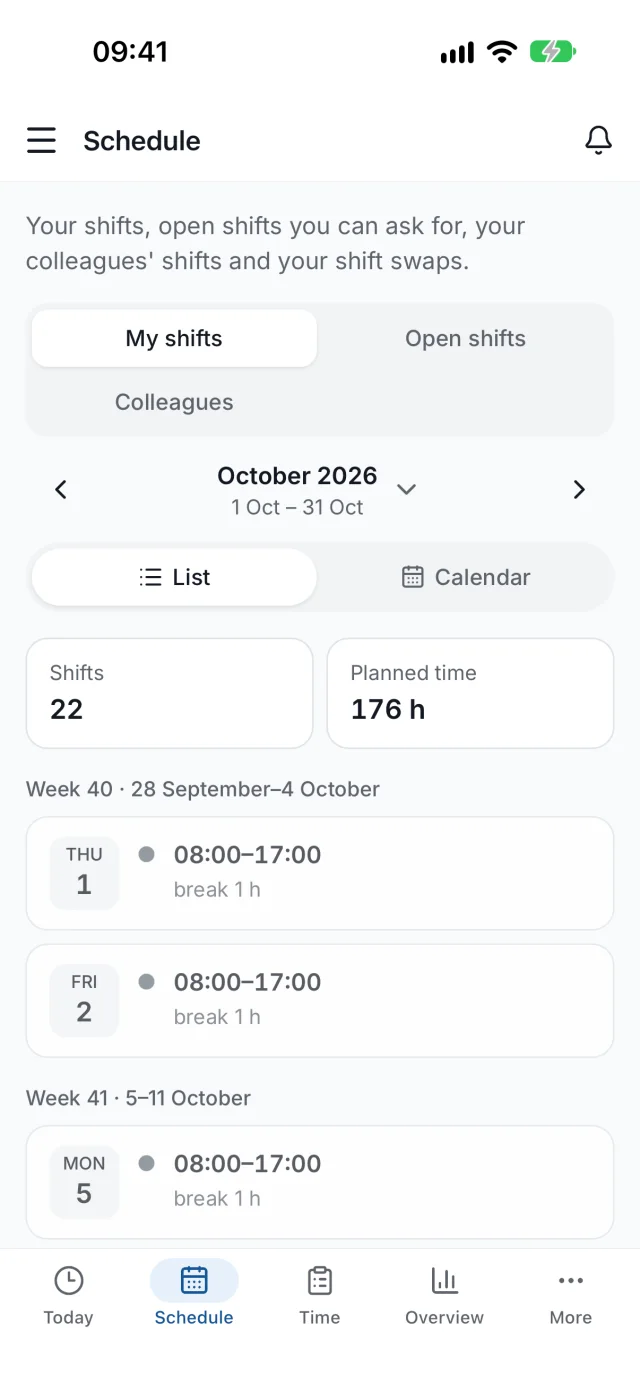
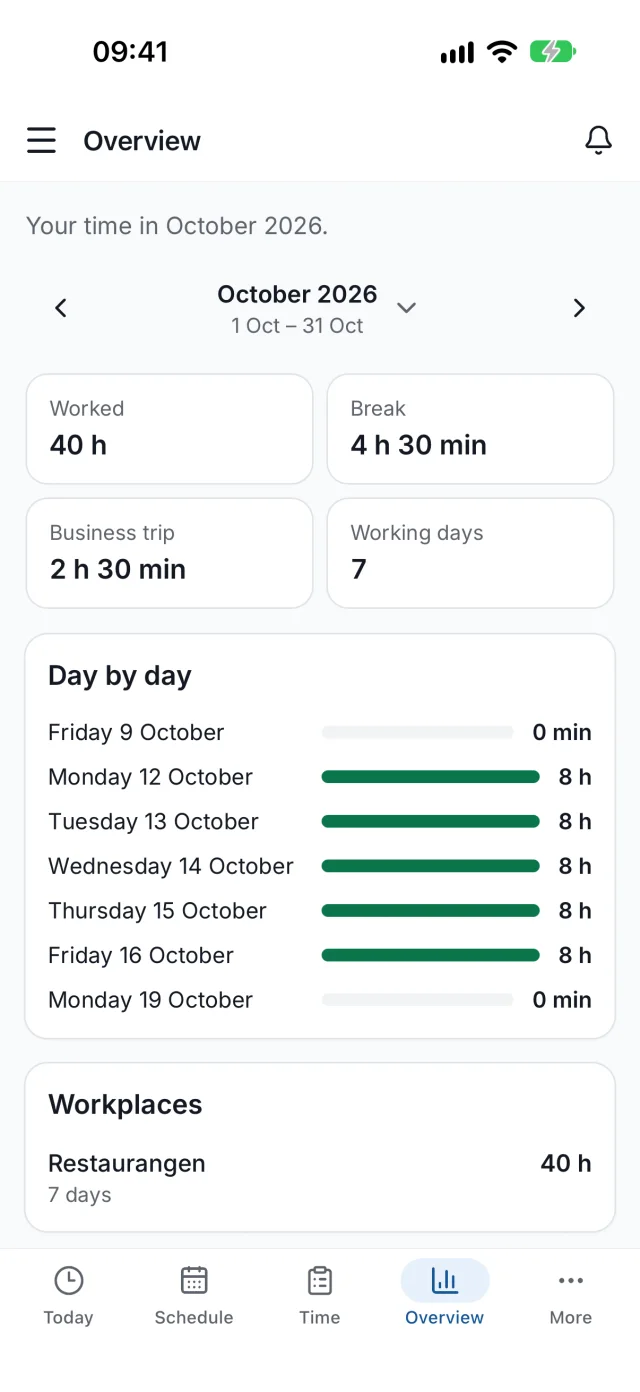
The app for iPhone and Android is on the App Store and Google Play. Clock in, approve with BankID and follow your hours, with the same account as on the web.


Questions and answers
Yes. LogFai costs nothing, for employers, employees or individuals. No payment card is needed.
No. Anyone without BankID approves their stamps with a code sent by email. The records show how each stamp was approved.
No. The location is saved only at the moment someone stamps, never in the background. The employer chooses whether stamps outside the workplace are just flagged or blocked.
Yes. The staff register shows, per workplace and day, who worked, when they clocked in and out, and every correction. It can be printed or downloaded as CSV for the Swedish Tax Agency's inspection.
No, LogFai works entirely on its own. If you also want schedules, timesheets and payroll, ScheduleFai connects to the same staff register.
Yes, with a comment. The change takes effect right away, the employer is notified and the full history is kept. Once the month is attested, the time is locked.
Phones, tablets and computers, right in the browser. The kiosk works on iPads and Android tablets. The mobile app for iPhone and Android is on the App Store and Google Play.
Yes. Create a free personal account and log your own time. You can download your data or delete the account at any time.
Get started
Choose what suits you.
Get in touch and we will create your company account. Then you add staff and workplaces yourselves.
Create an account in a minute and start logging your own working hours right away.
Already have an account? Log in